How to Hide TV Cables in the Wall (The Right Way) — 2026 Guide
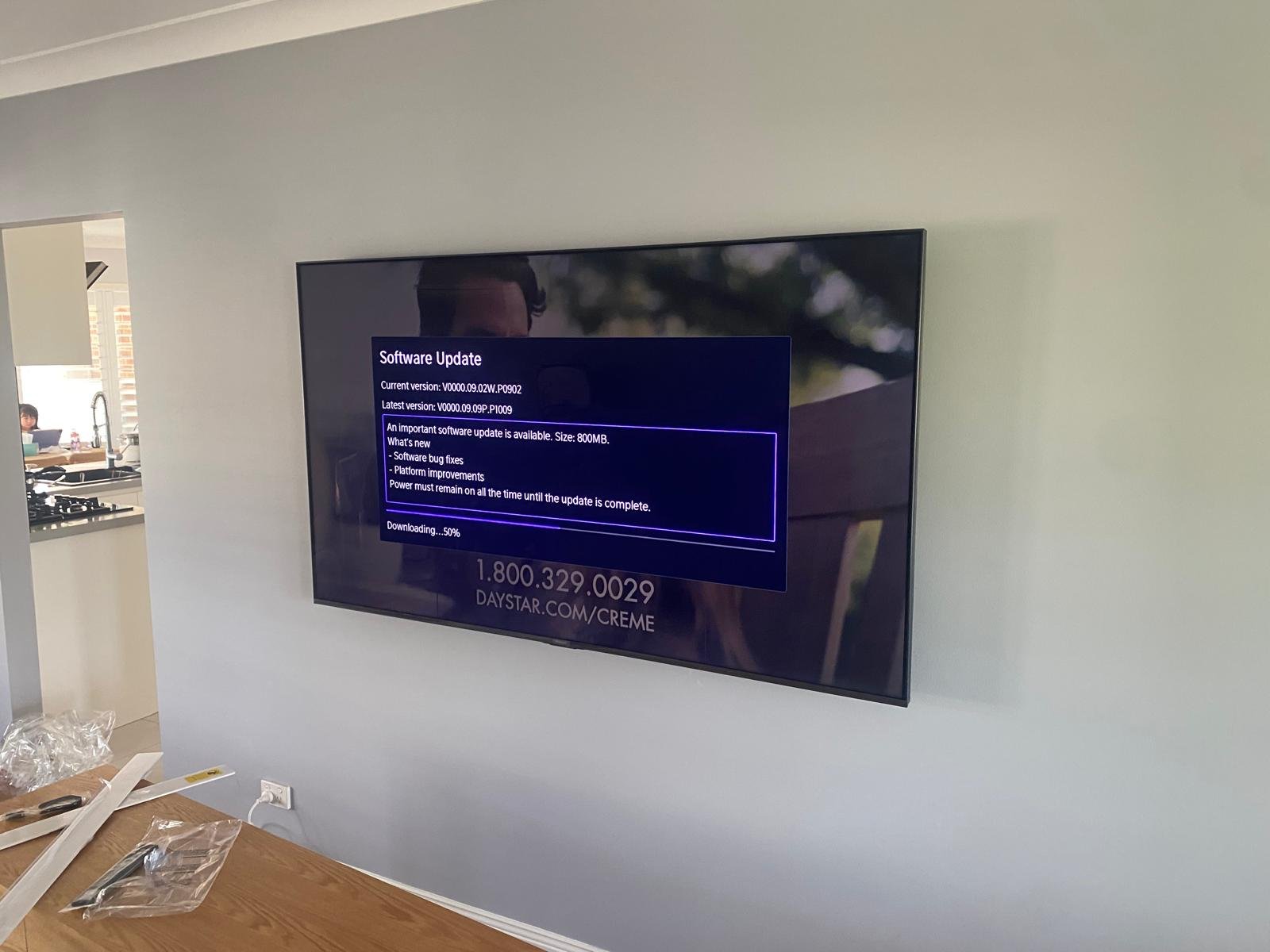
You've just had your new TV wall-mounted, and it looks incredible — until you notice the bundle of cables hanging down the wall. Nothing ruins the sleek look of a wall-mounted TV faster than dangling wires. In-wall cable management is the professional solution, and in this guide we explain how it works, what's involved, and when you need a licensed electrician versus a TV mounting specialist.
Why In-Wall Cable Management is Worth It
A wall-mounted TV with cables dangling down defeats much of the purpose of mounting it in the first place. In-wall cable management:
- Creates a completely clean, showroom-quality finish
- Eliminates tripping hazards from cables on the floor
- Protects cables from being damaged by foot traffic or pets
- Adds value and a premium feel to your living space
- Is one of the most common requests we get from our clients
What Cables Need to Be Hidden?
For a complete, clean install, you'll typically need to hide:
- Power cable: The TV's mains power cable
- HDMI cables: Connecting set-top box, streaming device, gaming console, Blu-ray player
- Optical/RCA audio cables: If running audio to an external amplifier or soundbar
- Ethernet cable: If you prefer wired internet for your smart TV
- Soundbar cable: If the soundbar is wall-mounted and needs a power or HDMI-ARC cable
The Professional In-Wall Method
Professional in-wall cable management involves routing cables inside the wall cavity between the TV position and the equipment shelf or powerpoint below. Here's how our team does it:
- Step 1: Mark the cable entry and exit points — typically one hole behind where the TV will sit and one at the equipment shelf level below.
- Step 2: Check for obstructions — wall studs, fire blocking, insulation — using a stud finder and inspection camera if needed.
- Step 3: Cut neat, clean holes at both points using a hole saw or drywall saw.
- Step 4: Fish the cables through the wall cavity using a cable fishing rod.
- Step 5: Install cable management face plates at both holes for a clean, professional finish.
- Step 6: Connect all devices and confirm everything works before leaving.
What About Power? Do I Need an Electrician?
This is the most important question. In Australia, routing a standard power extension cable or using an in-wall power kit (which connects to an existing powerpoint via a low-voltage cable rather than a mains cable) does not typically require a licensed electrician. However, installing a new powerpoint inside the wall requires a licensed electrician.
At MountPro Solutions, we use approved in-wall power solutions that are compliant and safe. If you need a new powerpoint added behind your TV, we can refer you to a trusted local electrician or coordinate this alongside your mounting job.
Is It Possible in All Walls?
In-wall cable management works best in standard plasterboard walls over a hollow cavity — which is the most common wall type in Sydney's residential properties. It becomes more complex (but often still possible) in:
- Brick walls: No cavity, so cables must run in conduit on the wall surface or be chased into the masonry.
- Walls with fire blocking: Older homes may have horizontal timber fire blocks in the wall cavity that prevent cables running straight through. Workarounds are available.
- Concrete walls: Requires surface-mounted conduit or specialist chasing.
Ready for a Cable-Free TV Setup?
MountPro Solutions includes cable management as part of our TV mounting service across Greater Sydney. Tell us your wall type and what devices you need to connect when you call, and we'll price the job accurately. Call 0466 084 682 or get a free quote online.
Ready for a Professional TV Mount in Sydney?
Skip the DIY headaches. MountPro Solutions delivers a perfect, clean install every time — across Greater Sydney.
Need a TV Mounted?
Professional installation across Greater Sydney. Free quotes, same-day available.
📞 Call 0466 084 682 📋 Get a Free Quote5-Star Rated · 500+ Jobs · Fully Insured